Step 1
Apply Grid
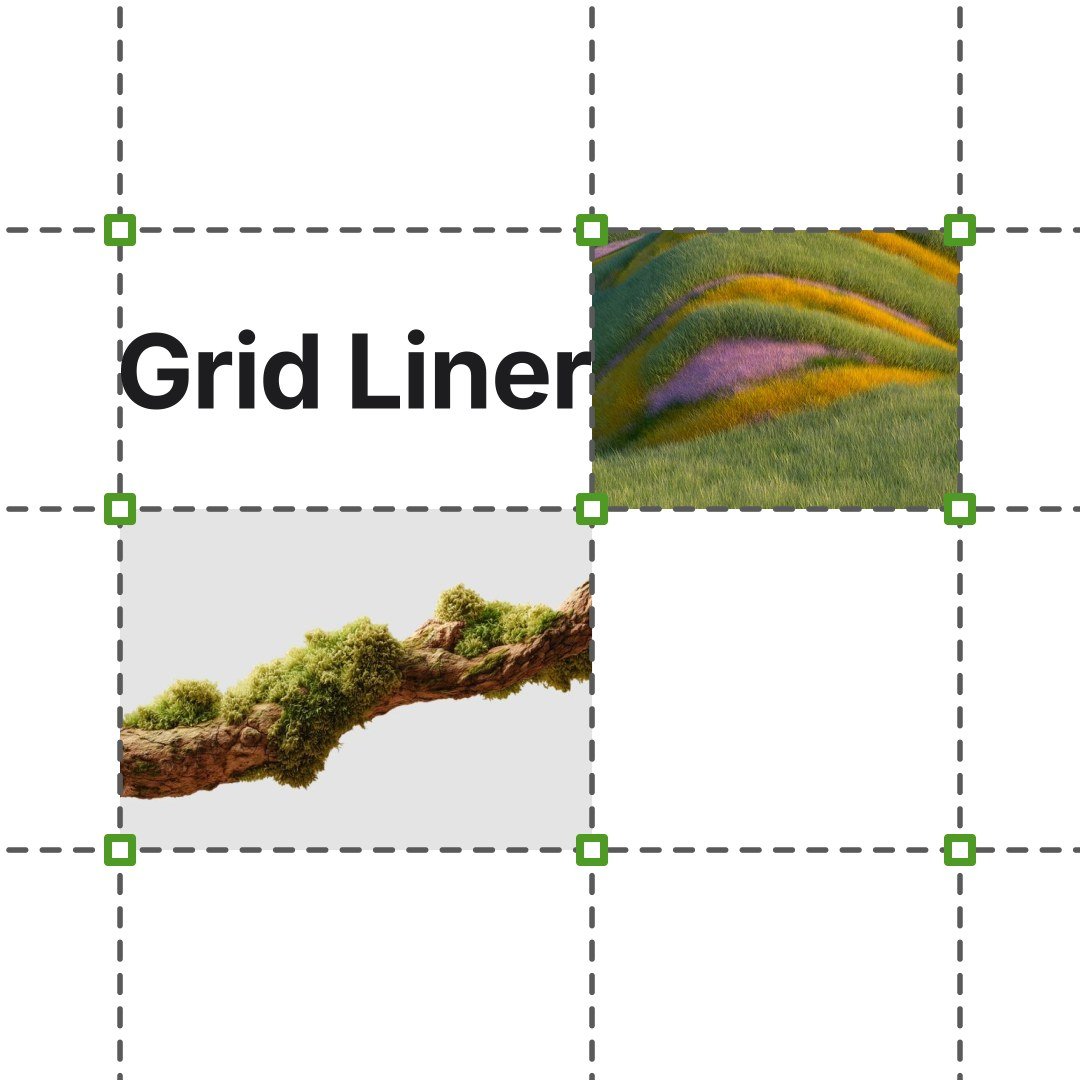
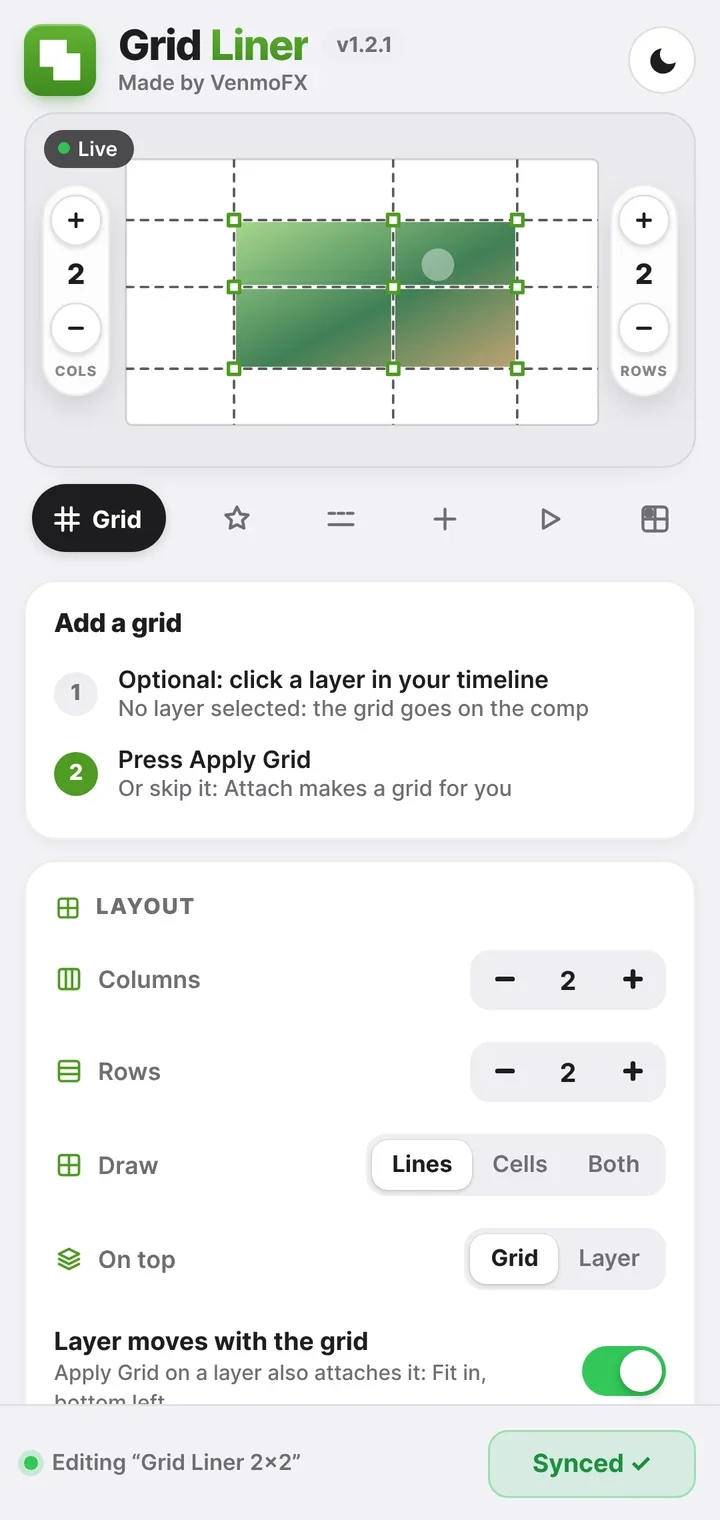
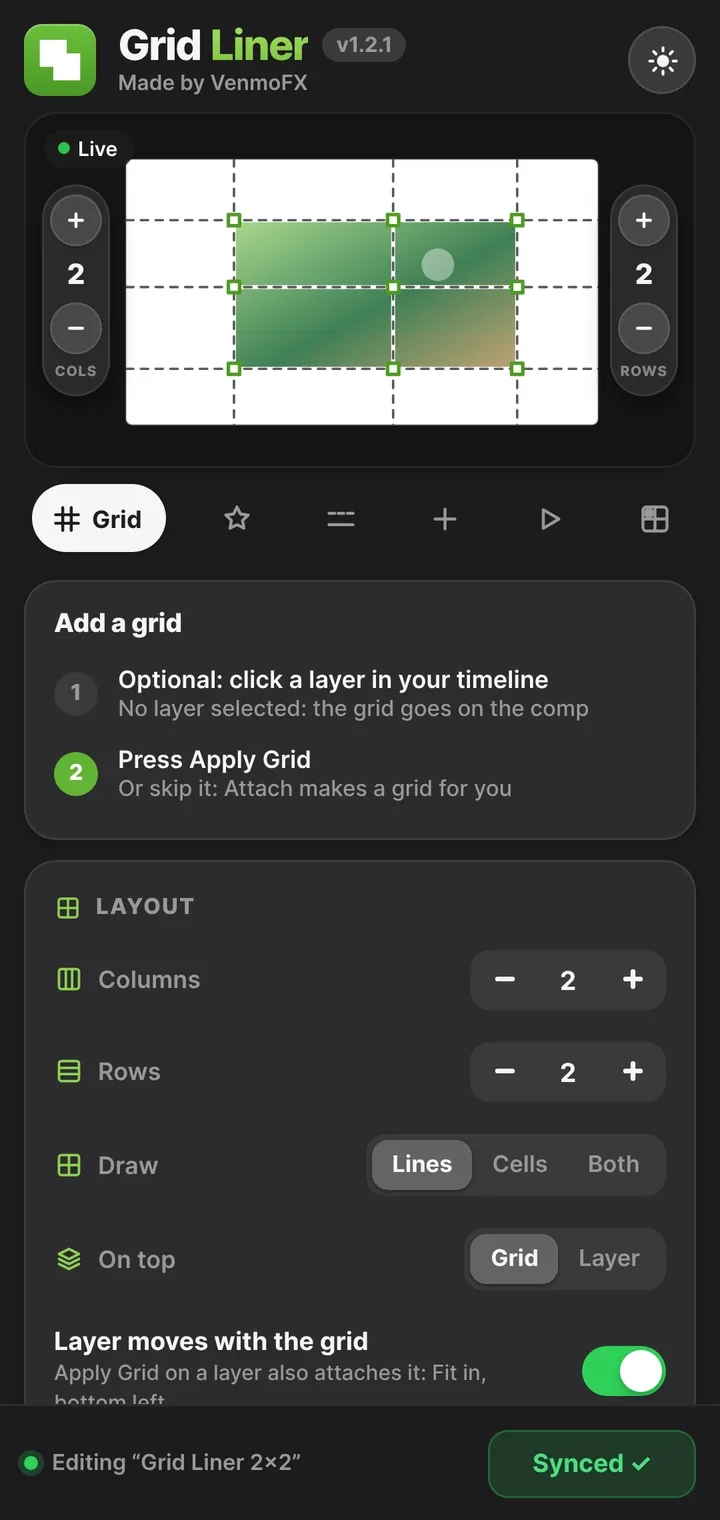
Select a layer and press Apply Grid. The grid is built around it and follows it when it moves.

After Effects plugin · v1.2.1
Animated grid layouts for After Effects. Build it, fill it, drag it.
Drag the middle point
Animated grid layouts for After Effects. Build it, fill it, drag it.
How it works
Grid Liner docks into After Effects. Every change you make in the panel updates your comp right away.
Step 1
Select a layer and press Apply Grid. The grid is built around it and follows it when it moves.
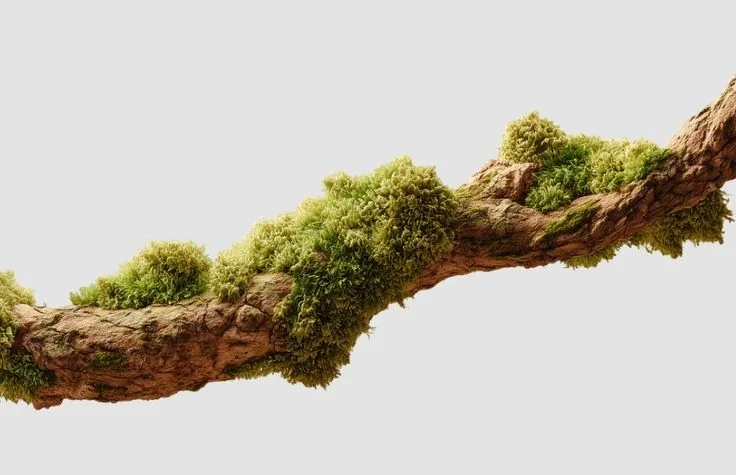
 Moss.jpg
Step 2
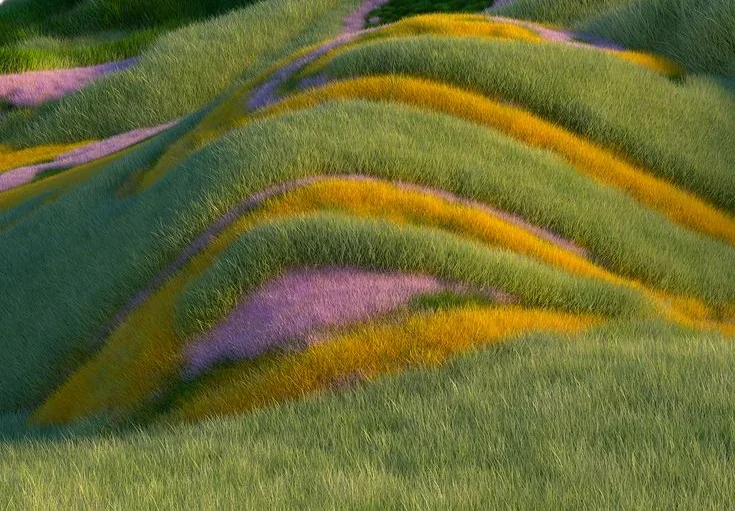
Drop your pictures, videos and text into the cells. They stay in their cell, whatever the grid does.
Step 3
A mouse cursor grabs the grid and drags it, with smooth easing. Everything in the cells moves with it.
Try it yourself
A live Grid Liner grid in your browser. Drag the lines, click the points the mouse should grab, then press Animate.
Drag a line · Click a point for the mouse
Motion
Click points on the grid. The mouse grabs them in order.
Dark & Light
Switch the panel between light and dark with one click, whichever fits your workspace.
Details
Compatibility
After Effects 2020 or newer
Platforms
macOS & Windows
Version
v1.2.1
Delivery
Instant download after purchase
Included files
ZXP extension, ZIP for manual install, install notes
Updates
Free, with a notice inside the panel
FAQ
Download the free ZXP Installer, drag Grid_Liner.zxp into it, restart After Effects and open Window › Extensions › Grid Liner. A manual install is included as a backup, with step-by-step notes.
After Effects 2020 or newer, on Mac or Windows.
Yes. Any layer can sit in a cell: images, video, text, shapes and precomps. You can also build the grid around any of them.
Yes, for free. When a new version is out, a notice appears inside the panel. Download it again from your purchase email.
No. Everything is done from the panel: Apply Grid, attach your layers, press Animate.
Checkout is processed securely by Payhip. Your payment details are never shared with this site.
Email workwithvenmo@gmail.com or message @venmofx.contact on Instagram.
Mac & Windows · After Effects 2020+ · Instant download